

Blog
Back-to-School Tech Checklist: Laptops, Printers & Accessories for Lebanese Students

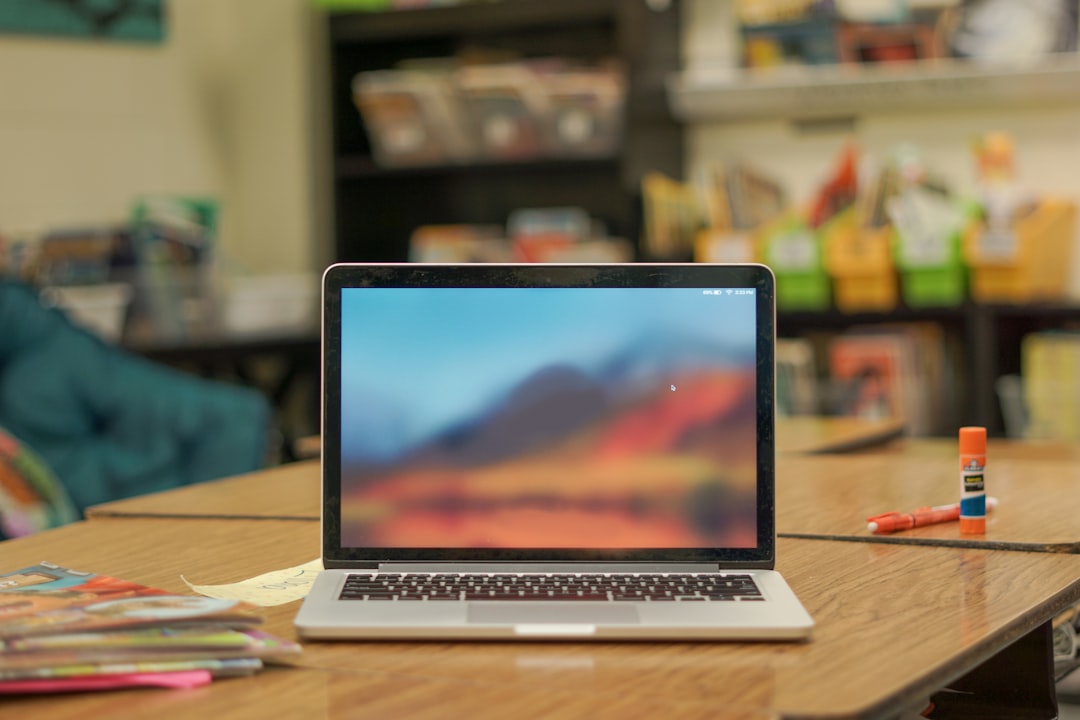
Short answer: for school and university use in Lebanon, a mid-range laptop with 8–16GB RAM, an SSD, and genuinely long battery life covers almost every student. Add a compact printer only if you print assignments at home regularly, and always budget for a surge-protected power strip — grid power here is not something to build a study routine around without a buffer.
Most back-to-school laptop shopping goes wrong in one of two directions: overspending on gaming specs for a student who only needs a browser and a word processor, or underspending on a bargain laptop that chokes the moment three Chrome tabs and a Zoom call run together. The right pick depends on what they will actually be doing with it, not the year on their student ID.
| Student type | Recommended laptop | RAM / Storage | Why |
|---|---|---|---|
| School / general coursework | Office Laptop | 8GB / 256GB SSD | Handles browser-based classwork, Office apps and video calls without lag, at the lowest price point. |
| University – general or coding | 2-in-1 Laptop | 16GB / 512GB SSD | Enough headroom for coding environments and multitasking, plus tablet mode for notes. |
| Design, video or heavy multitasking | Gaming Laptop | 16GB+ / 512GB+ SSD, dedicated GPU | The dedicated GPU is what actually matters here — it accelerates Adobe, CAD and 3D coursework, not just games. |
A laptop rated for 10 hours of battery life on paper often delivers 5–6 in real use once brightness, Wi-Fi and background apps are factored in. During a power cut that’s still enough to get through a lecture block, but check the real-world battery figure in the product description rather than the marketing number, and treat anything under 6 hours as a laptop that needs to live near an outlet.
If assignments are submitted online and printing happens occasionally at a copy shop, skip it. If your student is printing lab reports, worksheets or study material weekly, a compact all-in-one inkjet or laser printer pays for itself within a semester in time saved. Check our Printers, Scanners & Ink range for compact models sized for a desk, not an office.
Browse the full Laptops range and Computer Accessories to put together a full setup in one order.
8GB is the practical minimum for browser-heavy coursework. 16GB is worth the upgrade for anyone coding, running design software, or regularly working with 15+ browser tabs open alongside other apps.
It’s most useful for students who take handwritten notes or annotate PDFs directly, since the tablet mode with a stylus replaces a separate notebook. If note-taking stays purely typed, a standard laptop is simpler and usually better value.
Yes, if the coursework involves Adobe Creative Suite, CAD or 3D modeling. Integrated graphics can technically run this software but renders and exports take noticeably longer, which adds up over a semester of deadlines.
Always charge through a surge-protected power strip, not directly into the wall. Keeping the laptop on battery power during unstable grid periods and only charging once supply stabilizes is the safest habit.
No account yet?
Create an Account